Get Your Doorbell Camera Ready for Holiday Deliveries in South Florida
Before the holiday orders start arriving, check what your doorbell camera can actually see and save. A working live picture is a good start. You also need a clear view of the delivery area, useful notifications, and a recording setup you understand.
For South Florida homeowners, the most useful holiday camera check covers five things: placement, package alerts, video storage, connectivity, and a plan to bring deliveries inside. Whether you use Ring or eufy, test the complete process before relying on it while you are away.
Start with the spot where packages actually land
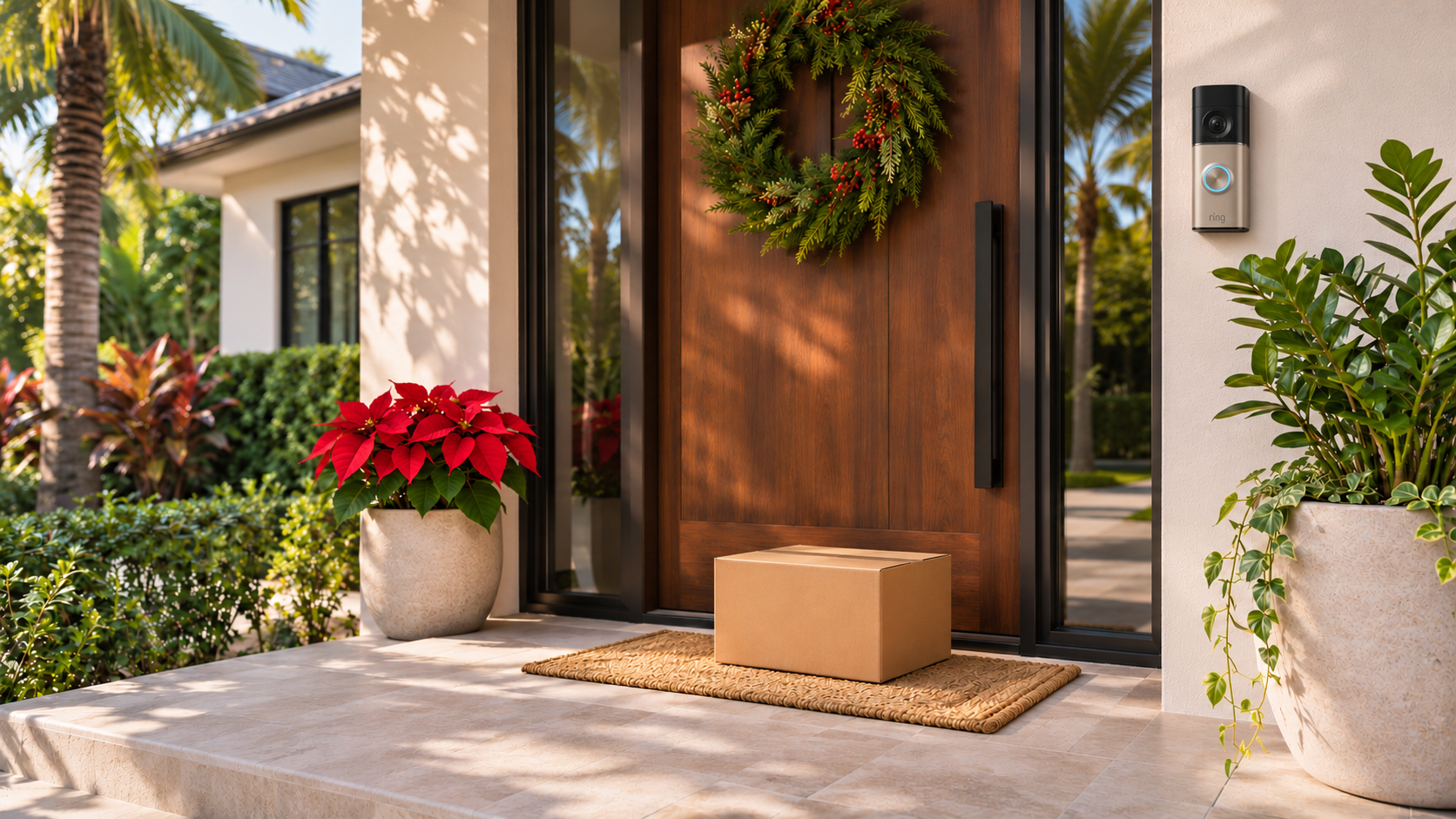
Open your camera’s live view and place an empty box where a driver would normally leave a delivery. Can you see the entire box? What happens if it sits against the door or behind a planter?
A camera can show someone approaching while missing the floor immediately below it. That matters if your main goal is checking whether a delivery arrived.
Look for these common problems:
- The camera points toward the street but misses the doorstep.
- A column or doorframe blocks the delivery area.
- Seasonal decorations cover part of the lens.
- A large planter creates a place where packages disappear from view.
- The door itself blocks the camera when opened.
Follow the mounting guidance for your exact model before changing its position. If the angle is wrong, a compatible mount or a different location may help.
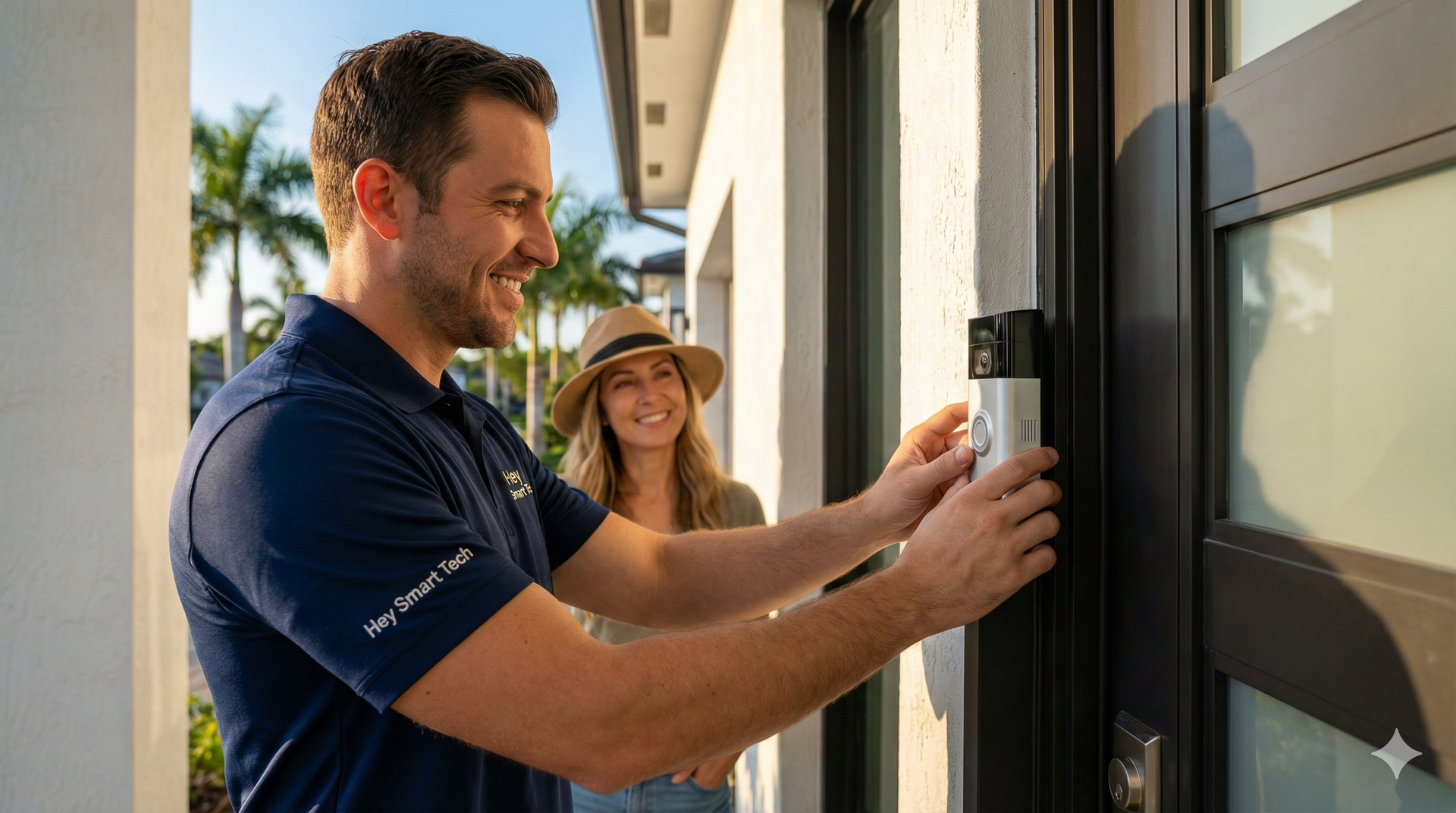
Hey Smart Tech’s
Ring doorbell installation service includes mounting, Wi-Fi connection, app configuration, and alert testing.
Check the package features on your specific Ring or eufy model
Brand names alone do not tell you which delivery features you have.
For Ring: Package Alerts require a compatible subscription and supported device. Configure the Package Zone around the actual delivery spot. Ring also warns that its alerts work best with medium-to-large shipping boxes; envelopes, tubes, small boxes, and food deliveries may not be detected. Treat a package alert as a helpful signal rather than a complete delivery log. See
Ring’s Smart Alerts guidance.
For eufy: Some models offer a second camera aimed toward the doorstep. For example, the eufy Video Doorbell E340 combines a forward-facing camera with a downward-facing camera and lists 8 GB of on-device storage. Those specifications describe the E340, not every eufy doorbell. Check your model’s storage, detection, and accessory requirements in its documentation. See the
eufy E340 product details.
If you already own a doorbell, write down its model before buying accessories or changing your recording plan.
Confirm that video is being saved
Being able to watch a live feed does not confirm that you can review a delivery later.
Ring offers Live View without a subscription, but reviewing recorded video requires a subscription. Ring says events are recorded only after you subscribe, so activating a plan later will not recover a previously unrecorded delivery. See
Ring’s explanation of Live View and recording.
For any doorbell, run this simple check:
- 1. Walk up to the door carrying an empty box.
- 2. Leave it in the usual delivery spot.
- 3. Wait for the event to finish.
- 4. Open the camera’s event history.
- 5. Confirm that the clip exists and shows what you need.
- 6. Find the download or export option, if your setup supports it.
For a local-storage system, confirm that the correct storage device is available and recording is enabled. Review how older footage is handled when storage fills.
Do this before a trial expires or before leaving for a holiday trip.
Test notifications away from your home WiFi
Check the experience you will have when you are at work, visiting family, or running errands.
With your phone using cellular data, have someone press the doorbell and walk through the delivery area. Check whether the alert reaches your phone, whether live video loads, and whether you can hear and speak clearly.
If the result is unreliable, review:
- The doorbell’s connection status.
- Phone notification permissions and Focus or Do Not Disturb settings.
- Battery level or power status.
- Whether the problem affects one camera or several devices.
- Whether the issue occurs consistently or only at certain times.
For Ring devices, weak Wi-Fi and internet performance can affect video and audio quality. Ring’s
audio and video troubleshooting guidance is a useful starting point.
Avoid buying an extender solely because a camera feels slow. First identify where the connection is failing.
Give every delivery a pickup plan
A camera can help you notice a package and review an event. It cannot bring the box indoors.
The U.S. Postal Inspection Service recommends collecting mail and packages promptly, arranging pickup when you cannot be home, and considering options such as Hold for Pickup or Signature Confirmation when appropriate. Review the
Postal Inspection Service’s package-theft prevention advice.
Before traveling, decide who will collect deliveries and how they will know something arrived. If your carrier offers delivery instructions, choose an appropriate drop-off location that your camera can see.
Keep decorations clear of the camera, the doorbell button, and the path to the door.
Holiday doorbell camera checklist
- Before your next delivery, confirm that:
- The package drop-off area is visible.
- Your exact model supports the features you expect.
- Package and motion settings match your entrance.
- A test recording appears in event history.
- Notifications work when your phone is off home Wi-Fi.
- Someone can collect packages while you are away.
Frequently asked questions
Can a video doorbell prevent package theft
A doorbell can help you monitor deliveries and, with the appropriate recording setup, review activity. It cannot guarantee that a package will not be stolen. Combine camera coverage with prompt collection and suitable delivery options.
Does every Ring doorbell have Package Alerts
Check the current compatibility information for your exact model. Package Alerts require a compatible Ring subscription, and detection has limitations.
Does eufy store doorbell video locally
Certain eufy models do. The E340 lists on-device storage, while other models and configurations can have different requirements. Confirm the storage location and recording settings for the device you own.
Should I replace my doorbell before the holidays
Start by testing placement, alerts, recording, and connectivity. A configuration or mounting adjustment may solve the problem. Consider replacement when the existing model cannot provide the view or features you need.
Get help preparing your front door
Hey Smart Tech provides Ring installation and smart-home setup services in Broward County, including Fort Lauderdale, Sunrise, Plantation, Coral Springs, and nearby communities.
Request a smart-home consultation or call
(954) 580-5080. Include your city, doorbell model, and the problem you want to solve. If you have an eufy device, include its model number so the installation or troubleshooting scope can be confirmed.