Earlier evening camera and lighting checks
Holiday Doorbell Camera Setup in South Florida
Earlier Evenings in Broward Your November Security Camera and Lighting Checklist
Daylight saving time ended on November 1, 2026, moving the clock back one hour. If you have been arriving home after dark and noticing that your porch light comes on too late, November is a useful time to review your smart-home setup. NIST confirms the 2026 time-change dates.
Start with an after-dark walkthrough. Check what each camera sees, when outdoor lights switch on, whether motion alerts are useful, and whether recordings are available. Test the entrance the way you actually use it, from parking the car to unlocking the front door.
You may find that a few settings need attention before you buy anything new.
Walk your usual route after dark
A daytime camera preview cannot show you every nighttime problem.
Ask someone to walk from the driveway or sidewalk toward the entrance while you watch the camera. Then swap places so you can see how the lighting feels on the approach.
Check three separate results:
Visibility: Can you make out a person approaching, or is the image mostly shadow?
Lighting: Does the path become visible before someone reaches the door?
Recording: Does the saved event show the approach you expected?
Try the route with the lights operating normally. If you always leave the porch light on, test that arrangement. If the lights respond to motion, begin with them off.
Make a short list of specific problems, such as “front step stays dark” or “camera image turns white beside the garage wall.” A clear symptom is more useful than “the whole system needs replacing.”
Review light schedules instead of assuming they changed correctly
Open the lighting schedule for each entrance and outdoor area.
Check the days, start times, end times, and any sunset-based options. Also review whether the device’s location and time-zone settings are correct, where those settings are available.
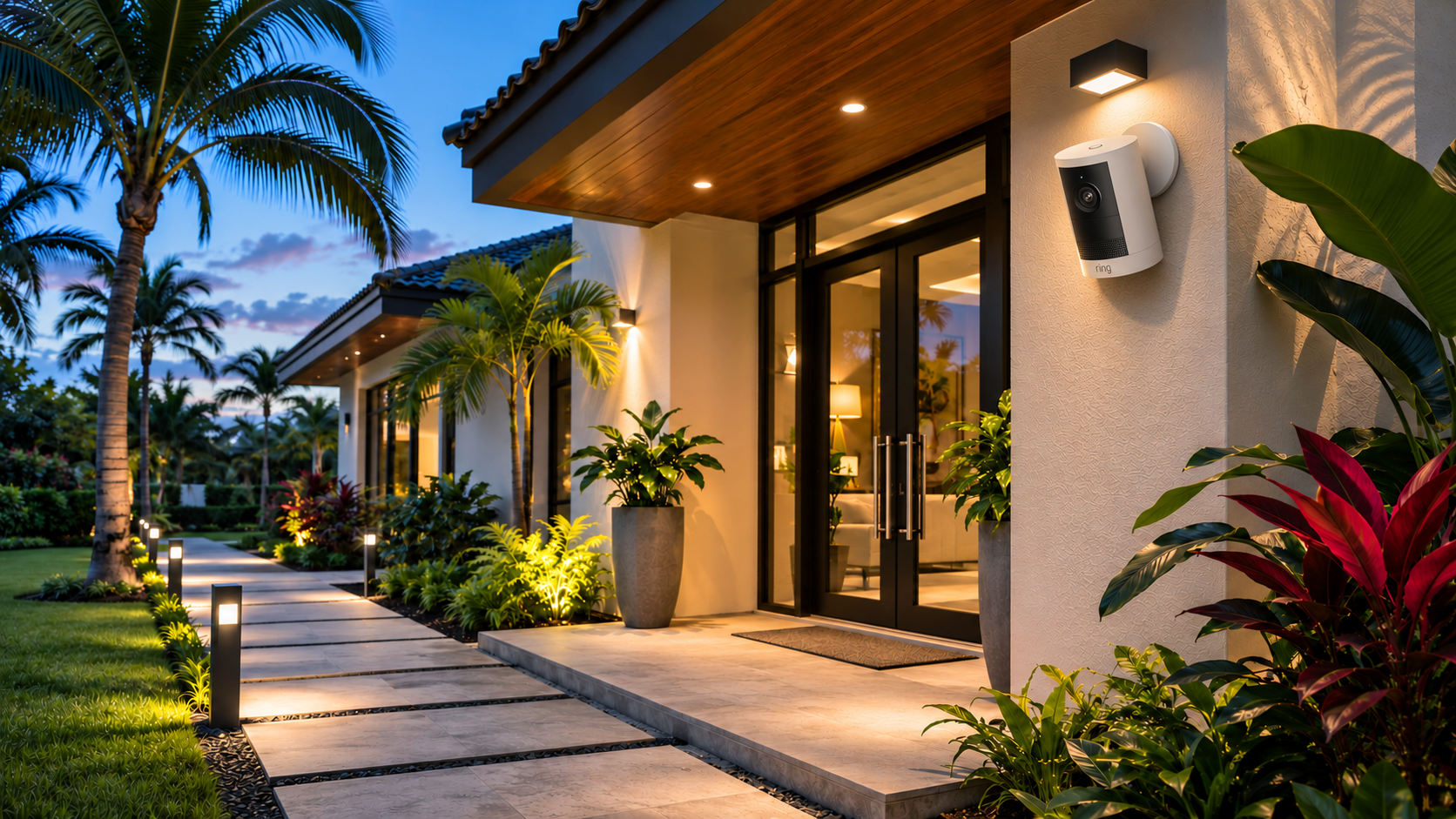
Ring supports light schedules on Spotlight Cams and Floodlight Cams, including a dusk-based start option. Available controls depend on the device. Follow Ring’s light-settings instructions for your model.
For other smart lights, review the manufacturer’s scheduling options rather than assuming the app uses the same controls as Ring.
After saving changes, watch one full lighting cycle. Check when the lights turn on and when they switch off. If several automations control the same light, review them together so one routine does not undo another.
For help with placement, schedules, and supported device linking, see Hey Smart Tech’s Ring smart lighting setup service.
Look for reflections before turning up the brightness
If a camera’s night view looks washed out, brighter lights may not address the cause.
Nearby walls, doorframes, or other surfaces can reflect a camera’s infrared light back toward its lens. eufy documents this problem and recommends adjusting the angle or removing nearby reflective obstructions from view. See eufy’s explanation of bright-white night images.
Look for:
- A bright wall filling one side of the image.
- A decoration positioned close to the lens.
- A light shining directly toward the camera.
- A doorframe or overhang dominating the view.
- Dirt or debris on the camera cover.
Follow the manufacturer’s cleaning and positioning guidance. Avoid abrasive cleaners or improvised modifications.
If the camera is mounted high or connected to fixed electrical wiring, arrange appropriate professional help rather than trying to reposition it from an unsafe ladder setup.
Test motion alerts and light activation separately
A light turning on does not prove that your camera saved a useful recording. A recorded event also does not prove that your phone received an alert.
Test each function on its own:
1. Walk through the area you want covered.
2. Confirm whether the light activates.
3. Check whether the camera creates an event.
4. Check whether the intended phone receives a notification.
5. Review the saved clip.
For Ring cameras, light controls include their own motion and scheduling settings. Review those alongside the camera’s recording and notification configuration rather than treating them as one switch. Ring explains these lighting controls here.
If traffic or movement outside your property creates frequent alerts, review the detection area and sensitivity options your model supports. Change one setting at a time and repeat the walk test.
Aim cameras toward the areas you need to monitor and limit unnecessary views into neighboring spaces. Review privacy settings where available.
Check power and connectivity before holiday travel
Before leaving home, check each device’s power or battery status and confirm that you can open its live view from your phone using cellular data.
Then review a recent recording. A camera that appears online may still have a recording configuration or storage problem.
If you have backup power, identify what it actually supports. A camera, router, modem, and storage hub can have different power needs. Ask which functions will continue and for how long rather than assuming one backup device keeps the whole system running.
November also remains part of the official Atlantic hurricane season, which runs through November 30. Keep your normal storm preparations in place and follow current local guidance. The National Hurricane Center explains the seasonal dates.
Check accessible equipment for visible damage. Have damaged wiring, water intrusion, or loose electrical fittings assessed by an appropriately qualified professional.
Make the setup easy for everyone at home to use
A useful system should be understandable to the people who rely on it.
Show household members how to:
- Open the correct camera.
- Find recent recordings.
- Turn an outdoor light on manually.
- Recognize a low-battery or offline warning.
- Report a problem without resetting the whole system.
Use supported sharing features rather than passing around the owner’s password. Remove access that is no longer needed and check account security settings.
Keep a simple device list with model names and locations. It can make a future support visit easier without storing account passwords alongside it.
Frequently asked questions
Do I need to reset my cameras after the time change
A reset should not be your first step. Review schedules, time settings where available, and actual device behavior. Troubleshoot a specific problem before removing or resetting a working device.
Why does my eufy camera look too bright at night
One possible cause is infrared reflection from a nearby wall, doorframe, or object. Check the camera angle and surrounding surfaces, then follow guidance for your exact model. Other image problems may need separate troubleshooting.
Can Ring floodlight cameras turn their lights on at dusk
Ring provides a dusk-based scheduling option for supported camera lighting. Confirm the settings available on your particular Spotlight Cam or Floodlight Cam and test the schedule after saving it.
Will stronger outdoor lights always improve camera footage
No. Placement, glare, reflections, and the camera’s settings also matter. Test the image before and after a change instead of judging only how bright the yard looks.
Book a November smart home check
If your cameras miss the approach to the door, your lighting schedule no longer suits your routine, or devices keep going offline, start with a focused review.
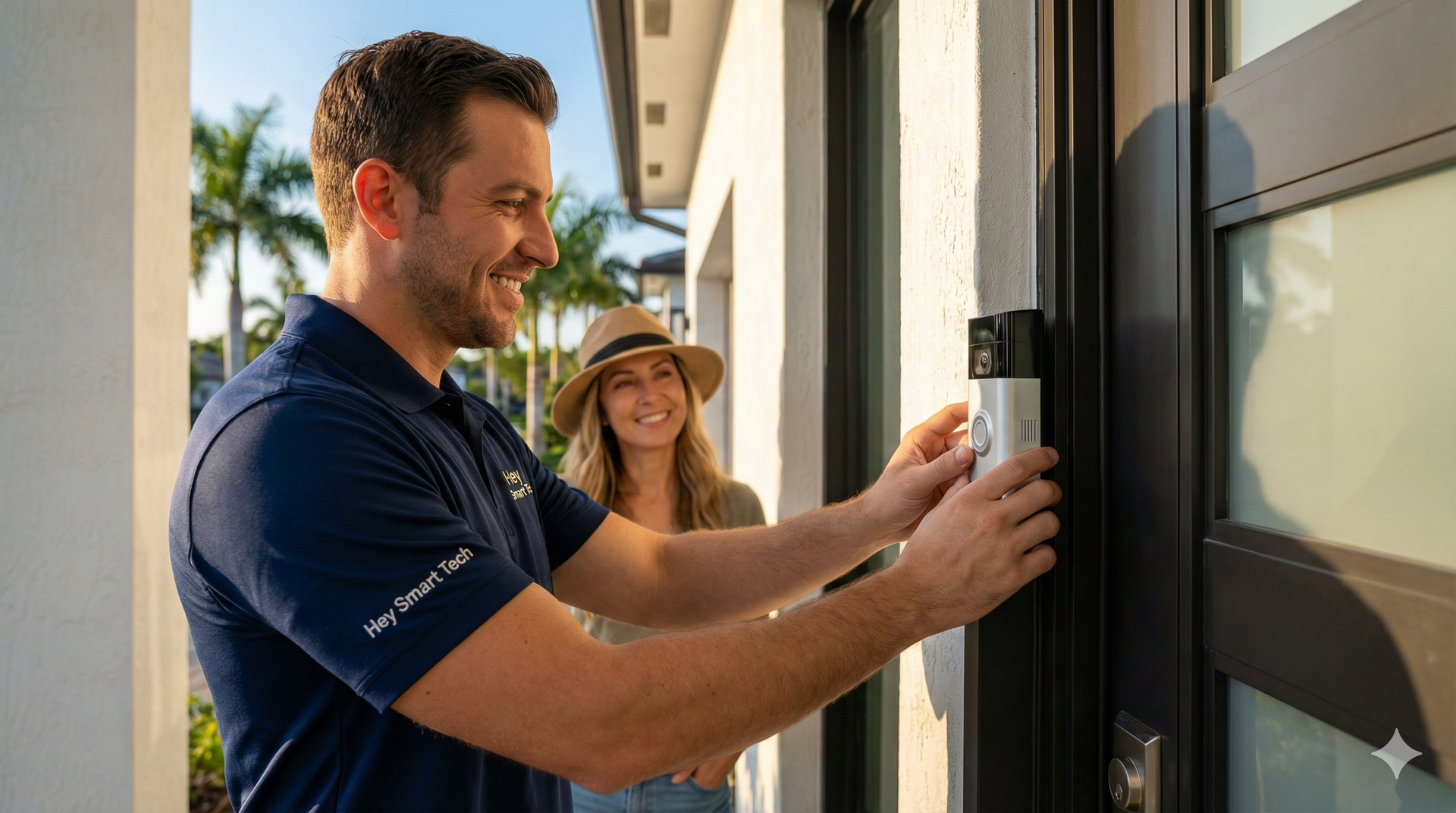
Hey Smart Tech offers Ring camera installation and setup and smart-home services for Broward homeowners.
Request a consultation or call (954) 580-5080. Share your city, device model, and what happens after dark so the visit can focus on the problem you are seeing.
Recent Posts