

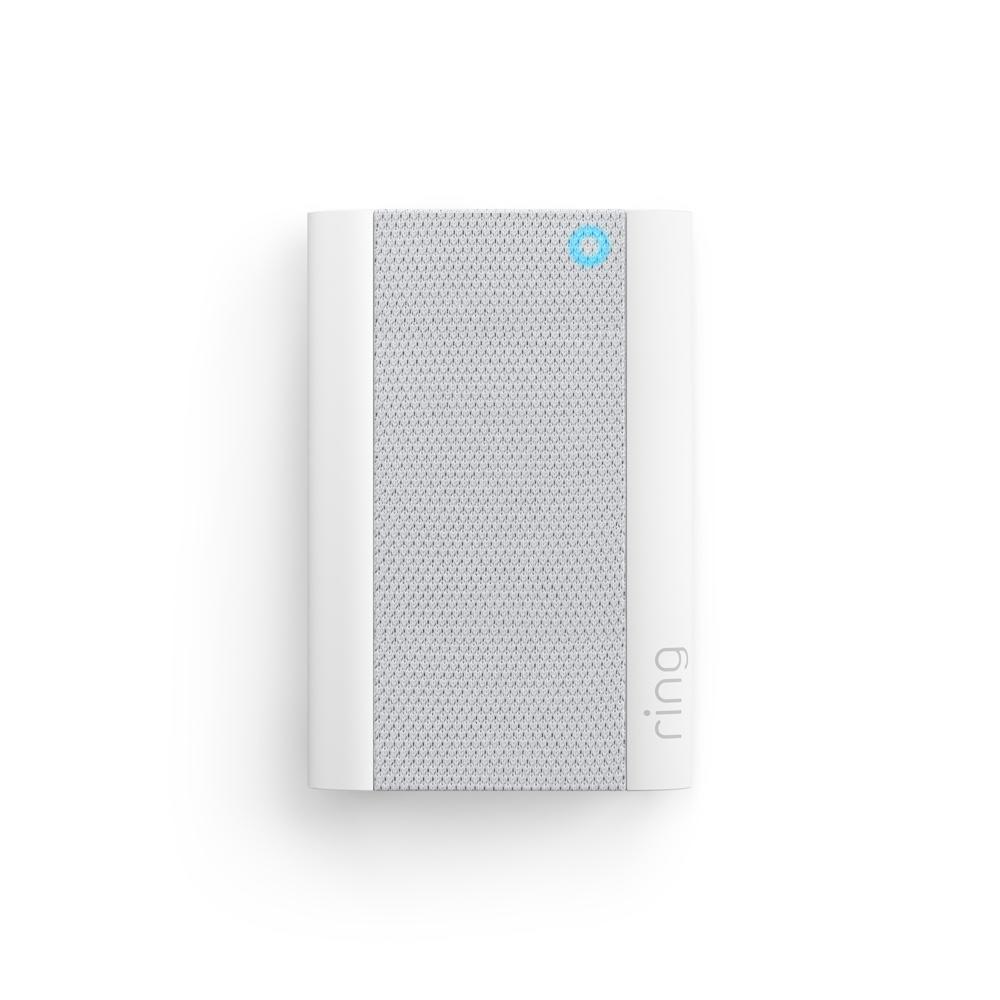
Ring Chime & Chime Pro Setup
Professional Ring Chime & Chime Pro setup so you hear your Ring doorbell and camera alerts loud and clear in every room—no phone needed.
Starting at $49
- Fast setup for Ring Chime & Ring Chime Pro
- Paired with your existing Ring Doorbell or Camera
- Wi-Fi connection test and signal optimization
- Custom alert tones, volumes & Do Not Disturb setup
- Multi-room Chime placement for whole-home coverage
- Same-day or next-day appointments available in many areas
What’s Included
Areas We Serve
Benefits
- Installation and setup of your Ring Chime and/or Chime Pro
- Recommended placement for best sound and Wi-Fi performance
- Connection to your Wi-Fi and Ring account
- Linking to Ring doorbells and cameras for alerts
- Configuration of tones, volume, DND, and alert schedules
- Signal test (for Chime Pro) to help extend coverage for Ring devices
- Quick walkthrough so you know how to change tones, volume, and settings later
We proudly provide Ring installation services across:
- Broward County:
Fort Lauderdale, Coral Springs, Plantation, Sunrise, Davie, Tamarac, Lauderhill, Weston, Pembroke Pines, Pompano Beach, Coconut Creek, Hollywood
- Palm Beach County:
Boca Raton, Delray Beach, Deerfield Beach, West Palm Beach (select areas)
- Miami-Dade County:
North Miami, Aventura, Miami Gardens (select locations)
Looking for “Ring Chime installer near me”?
We’ve got you covered with
same-day, local service
you can trust.
- Hear Doorbell & Motion Alerts Anywhere in the House
- Perfect for When Phones Are on Silent or Charging
- Great for Seniors, Kids & Home Offices
- Chime Pro Helps Boost Wi-Fi to Ring Devices
- Flexible Placement in Multiple Rooms or Floors
- Simple Upgrade That Makes Ring Much More Useful
Why Choose Hey Smart Tech?
4.6 Google Reviews
Trusted by 10,000+ homeowners across South Florida
Ring Ecosystem Specialists
We work with Ring every day — doorbells, cameras, Chime, Chime Pro, and more — so setup is fast and seamless.
Whole-Home Coverage, Not Guesswork
We help you choose the best outlets and locations so you hear alerts everywhere you need them.
Flat, Affordable Pricing
Quick service, clear pricing, no surprise fees — perfect low-cost add-on to any Ring install.
How It Works
Installation is just the beginning — we're here for maintenance, questions, and future upgrades. Your comfort is our long-term commitment.
Book Online or Call
Schedule online or by phone and tell us which Ring devices you have (doorbell, cameras, Chime, Chime Pro).

On-Site Chime Placement
Your tech arrives, tests outlets and Wi-Fi, and chooses the best spots for sound and signal.
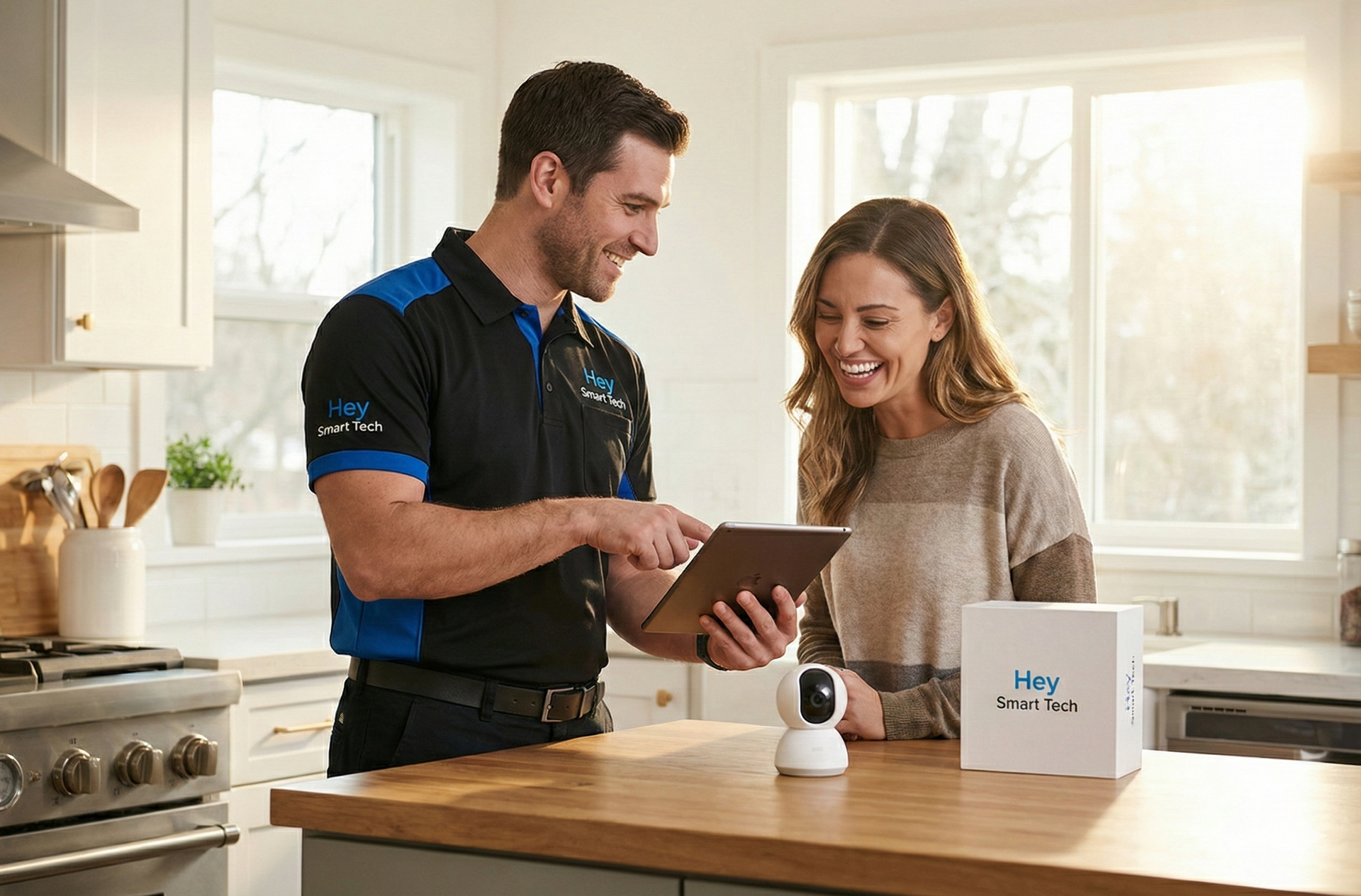
Connect & Configure
We pair your Chime or Chime Pro with your Ring account, set tones, volumes, and schedules.
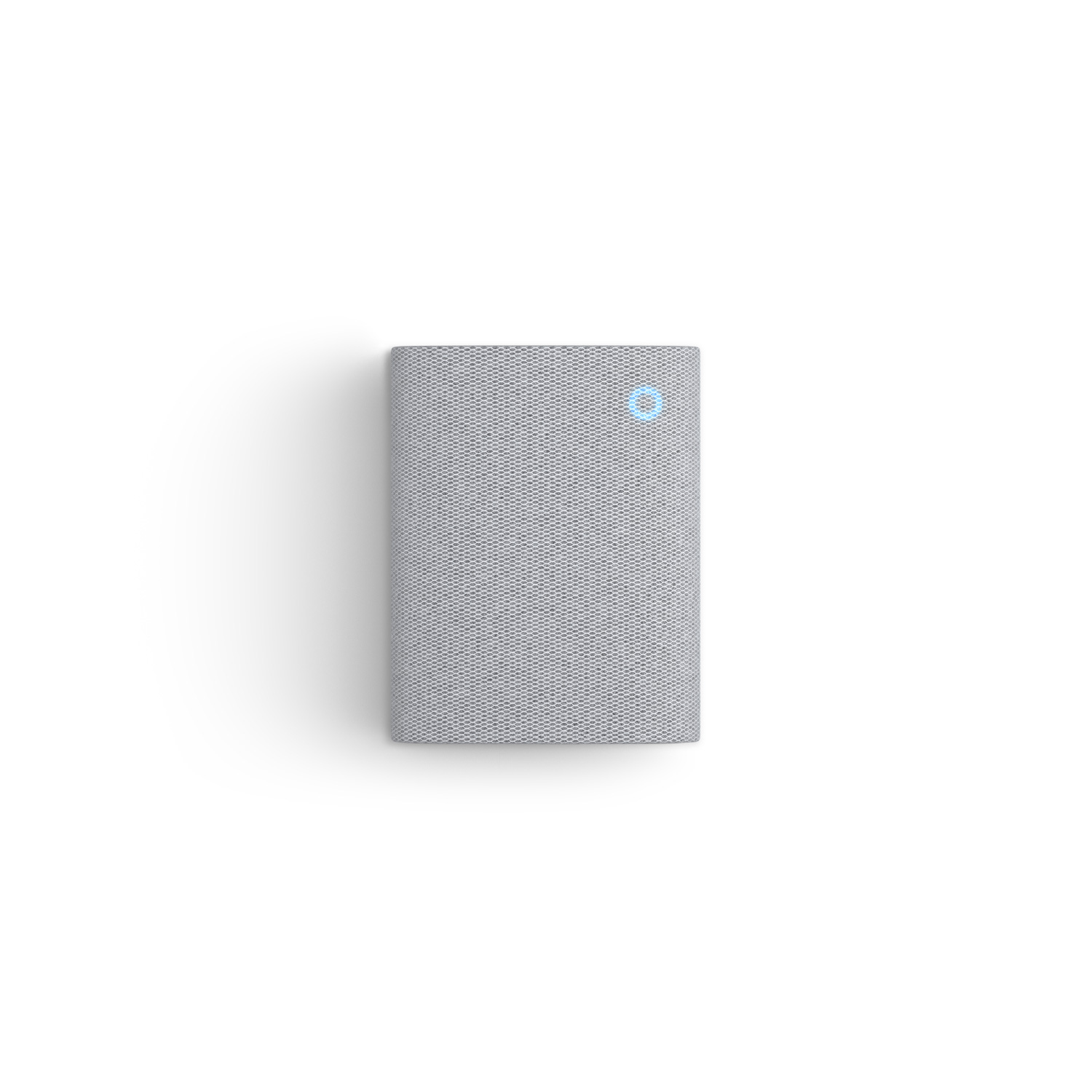
Test & Train
We trigger test alerts, confirm everything works, and show you how to change settings later in the app.

See What Our Customers Are Saying
⭐⭐⭐⭐⭐
"Now I Hear the Doorbell Everywhere”
“Before this, I kept missing deliveries because my phone was on silent. Now the chime rings in the kitchen and office. Huge difference.”.
— Shelly M., Plantation, FL
⭐⭐⭐⭐⭐
“Perfect Add-On to My Ring Doorbell”
“They installed my Ring Doorbell and suggested adding a Chime Pro. Now I hear it upstairs and my Wi-Fi signal is better too.”
— Andre H., Coral Springs, FL
⭐⭐⭐⭐⭐
“Great for My Mom Who Doesn’t Use the App”
“My mom doesn’t carry a smartphone, so the chime lets her know when someone’s at the door. The tech even set the volume just right for her.”
— Lorna P., Lauderhill, FL
Everything You Need to Know
At Hey Smart Tech, we specialize in Ring security device installations, helping homeowners get smart protection with same-day support, honest pricing, and full system configuration.
Do I need a Ring Doorbell or Camera first?
Yes. The Ring Chime and Chime Pro work as accessories to Ring Doorbells and Cameras. We can install both if needed.
What’s the difference between Chime and Chime Pro?
Chime Pro works as both a doorbell chime and a Wi-Fi extender for Ring devices, helping boost signal to your cameras and doorbells.
Can you set up more than one Chime in my home?
Absolutely. We can install and configure multiple Chimes/Chime Pros for whole-home coverage.
Will this help if my phone is on silent or in another room?
Yes. That’s exactly what Chime is for — you’ll hear alerts even if your phone is in another room or muted.
How long does installation take?
Most Ring Chime or Chime Pro setups take 20–30 minutes per device, including app configuration and testing.